Introduction
When internet users look for solutions, they rarely type single keywords into search engines. Instead, they type full, structured questions. For digital marketers and content creators, targeting these questions is a shortcut to ranking on page one of Google and winning the coveted “Featured Snippet” position.
While premium software suites charge hefty monthly fees to show you what people are asking, you can uncover these exact long-tail phrases using entirely free digital marketing tools. In this guide, we will break down a step-by-step strategy to harvest high-intent question keywords without spending a dime.
Why Question Keywords Are an SEO Goldmine
Question keywords typically carry clear user intent. Someone searching for “SEO” might just be looking for a definition, but someone typing “How do I fix a drop in organic traffic?” has a specific problem they need solved immediately.
By building your content around direct questions, you achieve three things:
- Higher Conversions: You answer an exact pain point, building immediate trust.
- Voice Search Optimization: Voice assistants (like Google Assistant, Siri, and Alexa) process queries as natural, complete sentences.
- Snippet Eligibility: Google rewards concise paragraph answers to clear questions by placing them above the traditional number one organic spot.
Step 1: Maximize Google’s “People Also Ask” (PAA) Boxes
The most accurate source of question data comes straight from Google’s live search results page.
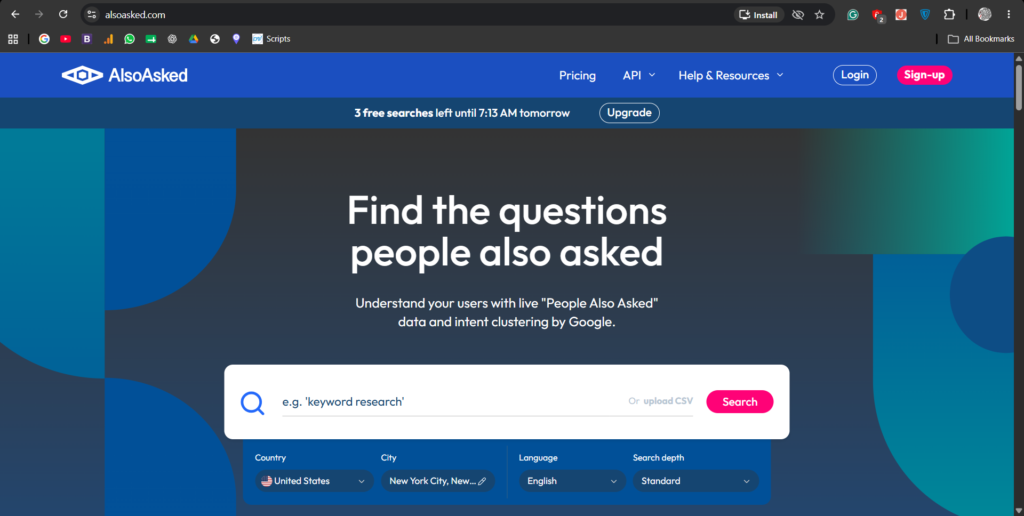
- Open a clean browser window and type a broad term from your industry (e.g., “Keyword Research”).
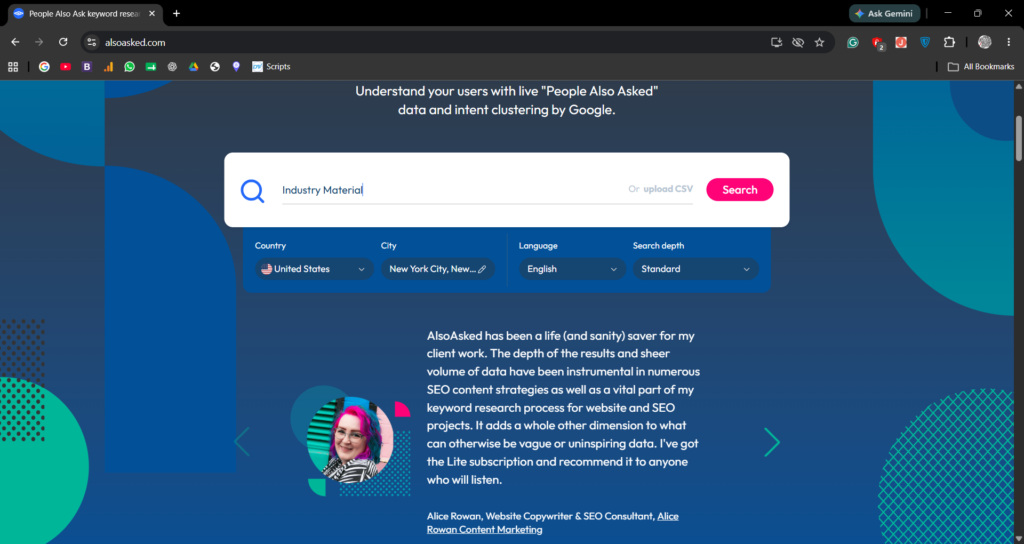
- Scroll down slightly until you see the People Also Ask box. This section displays a live feed of related questions real users have searched.
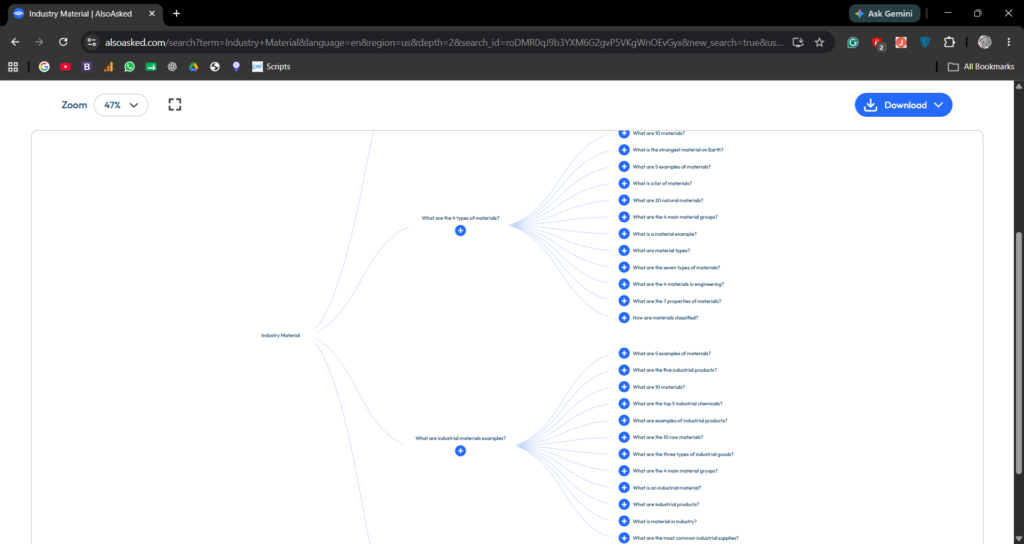
- Click on two or three of the questions to expand their answers, then collapse them again. You will notice that Google automatically generates more relevant questions at the bottom of the list. Copy these into a spreadsheet to form the foundation of your content cluster.
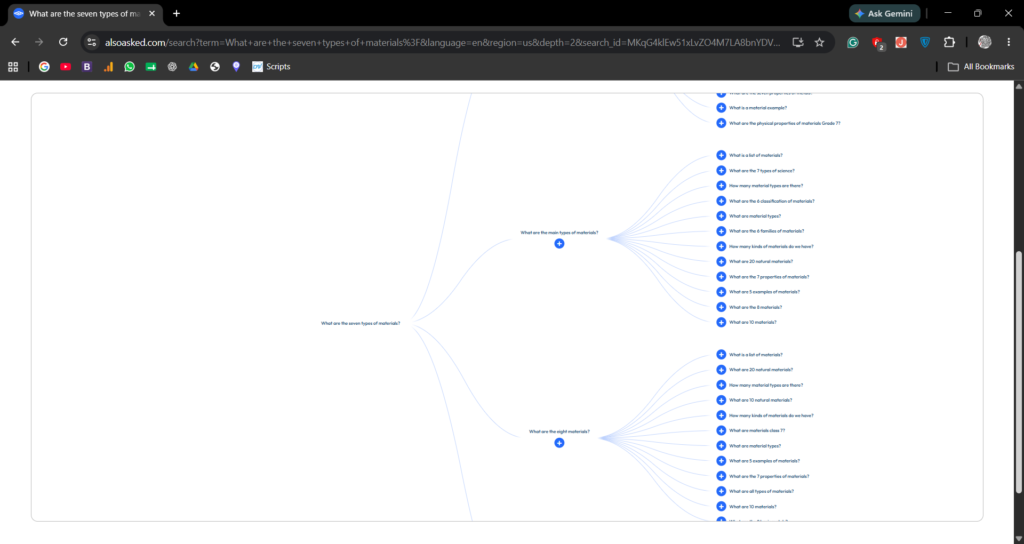
Step 2: Extract Programmatic Data Using AnswerThePublic
To gather hundreds of questions simultaneously, utilize public data visualization tools. AnswerThePublic is a freemium discovery tool that listens to autocomplete data from search engines.
- Enter your core seed keyword into their search bar.
- Filter the location parameters to your target audience.
- Review the structured visualization wheel. The tool automatically maps your keyword against question modifiers: Who, What, Where, When, Why, How, and Are.
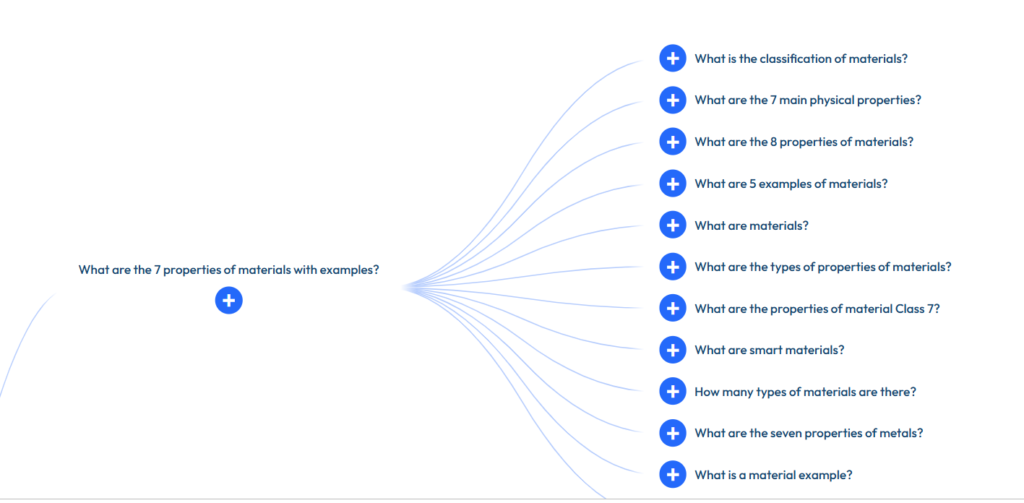
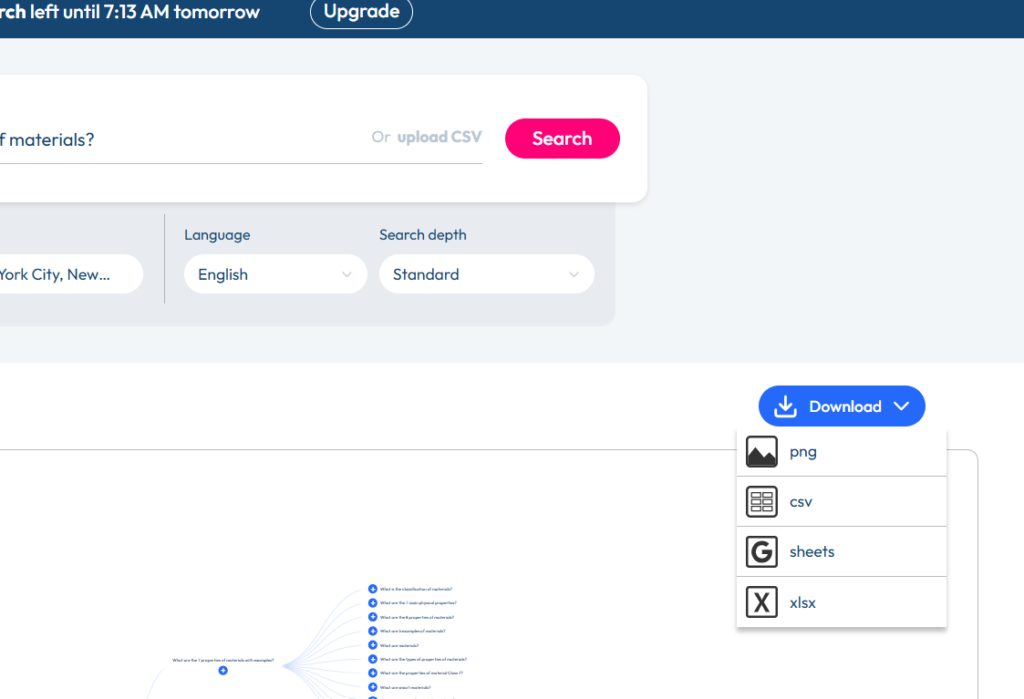
- Export this list as a CSV file to filter through later.
Step 3: Mine Niche Forums and Communities
Software utilities only show you historical data, but real-time community boards show you what users are struggling with right now.
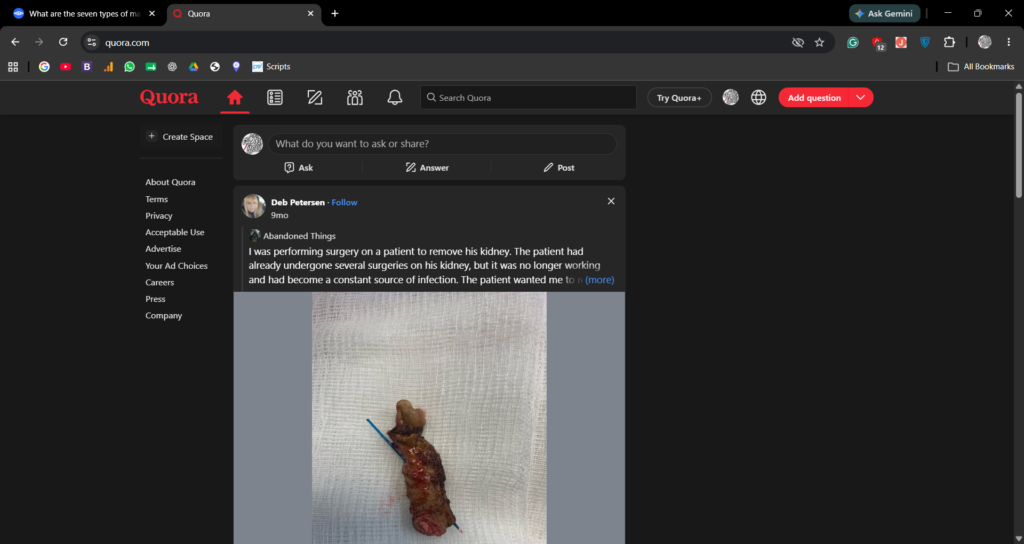
- Quora: Search for your main industry topic and sort by “Questions.” Pay attention to the threads that have a high follower count but poorly written answers.
- Reddit: Use advanced search operators inside relevant subreddits (e.g.,
site:://reddit.com "how do I"or"help with"). These organic conversations expose the exact technical jargon and emotional pain points your target audience uses.

Step 4: Filtering for Actionable Content Ideas
An overwhelming list of 500 questions is useless without a filtering system. Sort your newly harvested questions into an actionable editorial calendar using these criteria:
- Low Competition: Search the question on Google in quotes (e.g.,
"exact question query"). If fewer than 10 sites have a perfect title match, it is an easy target. - Search Volume vs. Value: Do not ignore questions with low estimated monthly search volumes. If the question is hyper-specific to a buying decision, a few dozen visits from that post can result in highly profitable ad clicks or conversions.
Conclusion
You do not need an enterprise-level budget to map out a competitive, traffic-driving SEO strategy. By systematically combining Google’s native search engine features, automated alphabet-increment platforms, and real-world forum discussions, you can build a comprehensive database of your audience’s exact questions. Focus your next content batch on delivering clear, immediate answers to these queries to see your rankings lift.
Pingback: How to Read Core Web Vitals Reports to Speed Up WordPress – WWNTOOLS