Introduction
Creating high-quality content requires hours of research, drafting, and optimization. Unfortunately, once your articles start ranking on Google, other website owners may copy your text and publish it on their own platforms. This practice, known as content scraping, can actively damage your search engine visibility.
If search engine bots crawl the copied version of your text before yours is properly indexed, your site could be penalized for duplicate content. In this guide, we will look at how online plagiarism checkers work and how you can use them to safeguard your hard work.
The Invisible Threat of Automated Scrapers
Many modern scrapers use automated software scripts or RSS feed readers to steal your content the exact second you hit the publish button. These bad actors often drop your articles into automated spinning software to slightly alter the words before posting them online.
For search engines like Google, sorting out who wrote the original draft can sometimes take time. If a scraper has a higher domain authority than your new website, their stolen version might outrank your original piece. Utilizing verification tools is your best defense against this threat.
ALSO READ: How to Read Core Web Vitals Reports to Speed Up WordPress
Step-by-Step Guide to Auditing Your Content
Step 1: Perform Manual Search Snippet Audits
The fastest way to check if a specific sentence has been copied is to use Google search operators. Take a unique, 15-word sentence from the middle of your published post. Paste it into the Google search bar surrounded by quotation marks (e.g., "your exact sentence here"). Exact match searches force Google to display every indexed page online that contains that identical string of words.
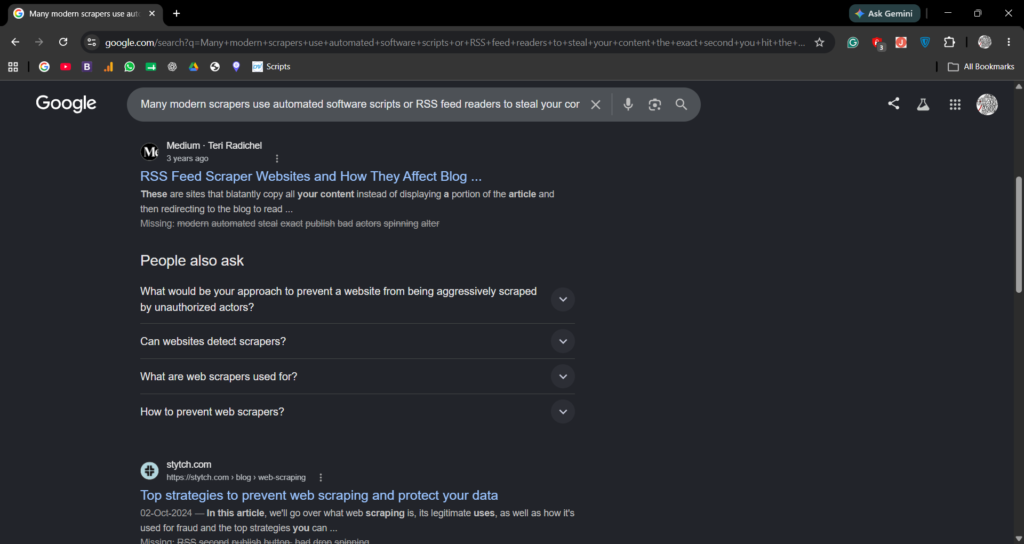
Step 2: Use Automated Plagiarism Scanners
Manual checking is too slow for entire websites. Instead, use web-based utility apps like DupliChecker, SmallSEOTools, or Grammarly’s free scanner.
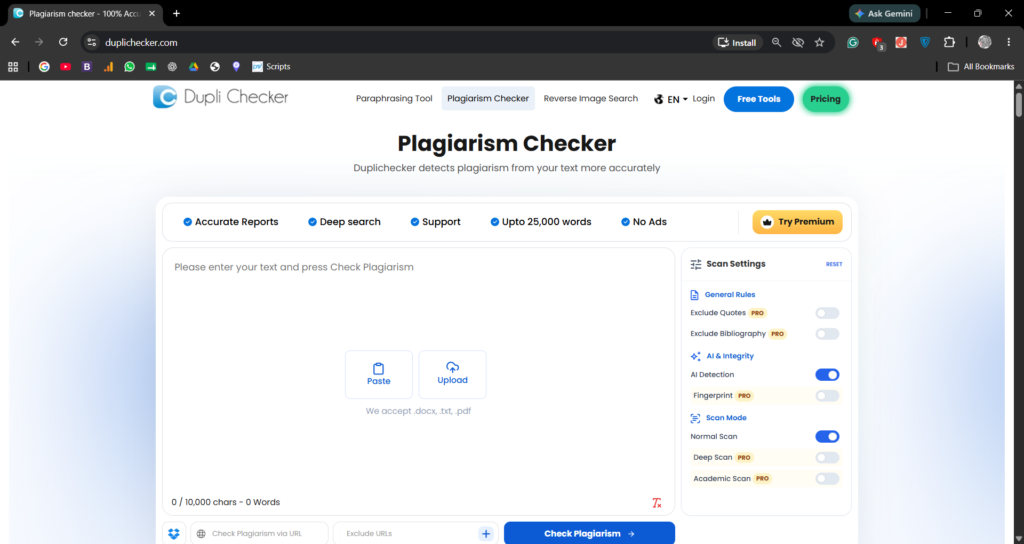
- Copy the full text body of your article.
- Paste it into the utility’s input box.
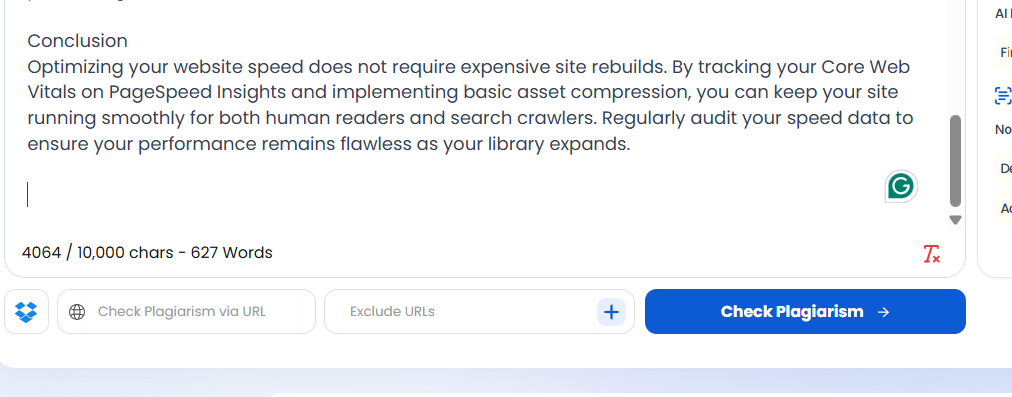
- Click the verification button to run a deep match against billions of live web pages.
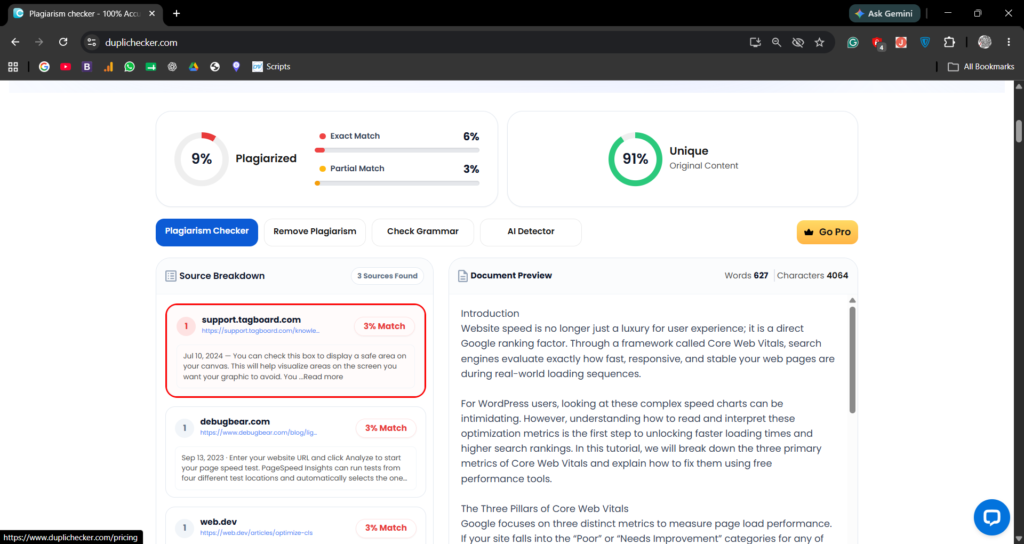
- Review the final report, which displays a breakdown percentage of unique text versus plagiarized phrases, alongside the exact URLs hosting the matching text blocks.
Step 3: Implement Copyscape for Premium Tracking
If you want professional-grade monitoring, Copyscape offers a dedicated URL search tool. Instead of copying text, you paste your live article link directly into their system. The tool instantly flags any external web addresses using identical layouts or paragraph structures.

How to Handle Sites That Steal Your Work
If an automated scanner reveals that another website has stolen your copy, do not panic. Take these systematic actions to resolve the issue:
- Locate Their Host: Use a free WHOIS lookup tool online to identify the hosting provider of the offending website.
- Submit a DMCA Takedown Notice: Reach out to their hosting company’s abuse department or use Google’s official DMCA Dashboard to file a formal copyright complaint.
- Disable Your RSS Full Text: Inside your WordPress dashboard, navigate to Settings > Reading. Change the setting for “For each article in a feed, include” from Full text to Excerpt. This stops simple scraping scripts from pulling your whole article automatically.
Conclusion
Protecting your digital assets is just as critical as creating them. By running routine checks through online plagiarism scanners and configuring your WordPress security feeds, you protect your hard-earned search rankings. Make content security a core part of your monthly site maintenance to keep your platform completely safe from scraping scripts.
Pingback: How to Use Headline Analyzers to Improve Organic Click-Through Rates – WWNTOOLS